
Ask a tutor what a struggling ninth grader actually needs and the answer is rarely ninth grade content. It is fourth grade multiplication. Gaps in basic arithmetic do not close on their own. They follow a student into algebra, into physics, into the first engineering course that assumes you can handle a fraction.
That is where the best math apps for kids earn their place. Not as a replacement for a teacher or a tutor. As the ten minutes a day that turns slow recall into automatic recall, so the tutoring hour goes to reasoning instead of times tables.
Every one of the best math apps for kids below answers the same question: does a child come out with stronger foundational skills and real math skills, or just a higher score in a game that contains numbers?
How We Judged These Math Apps
Ten minutes a day for a year is roughly sixty hours of a child’s life, so the bar for the best math apps for kids should be high. Five things decided the order.
Thinking over tapping. Apps that reward pattern matching build shallow recall; apps that make a child reach an answer build problem solving.
Movement with the child. Some handle this through adaptive learning, others hand the dial to the parent. Either works, as long as the skill level is not frozen at day one.
Immediate feedback. A wrong answer corrected six screens later teaches nothing.
Honest pricing. Watch for in-app purchases dressed up as a free download.
Visible student progress. A parent should see which math problems are failing, since independent learning works only when someone is checking.
The 11 Best Math Apps for Kids
1. MathHero: Best for Kids Ages 5 to 10 Who Refuse to Practice
Best for: kindergarten through grade 4 math practice that does not feel like practice. Ages 5 to 10. Free at five levels per day, with a subscription and free trial removing the cap.
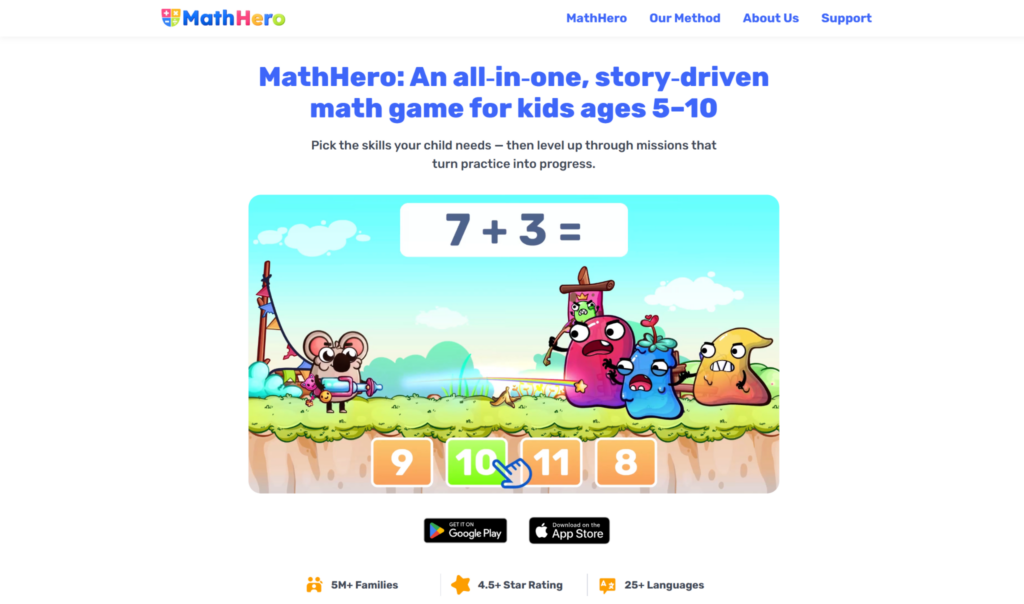
MathHero is a story driven adventure in which solving a problem is the action itself. Your child moves through a world, meets a monster, and answers to fight it. Math is the game mechanic, not a toll gate.
Coverage is deliberately narrow: addition and subtraction within 10, 20, 100 and 1000, plus times tables and division. That is the core mental arithmetic of K to 4, and exactly the math facts that go missing later.
Parent controls are the standout. You get selectable math operations, so a child working only the seven and nine tables sees only those. You set monster speed, choose typed answers or multiple choice, pick open practice or a guided path, and share one subscription across siblings. Then the child works at their own pace.
The free tier is not a demo. The whole game is completable with no locked content and no ads, at five levels a day, which is roughly what a short daily session should look like. One App Store review: you will not even notice you are studying because you are having so much fun.
Where it stops: no instructional math videos and no counting instruction, so MathHero assumes your child already recognises numbers. It will not explain a concept from scratch. What it does is build math mastery through structured, repeated practice.
2. Khan Academy Kids: Free, Complete, and Genuinely Free
Best for: ages 2 to 8. Price: free permanently, with no advertising and no upsell.
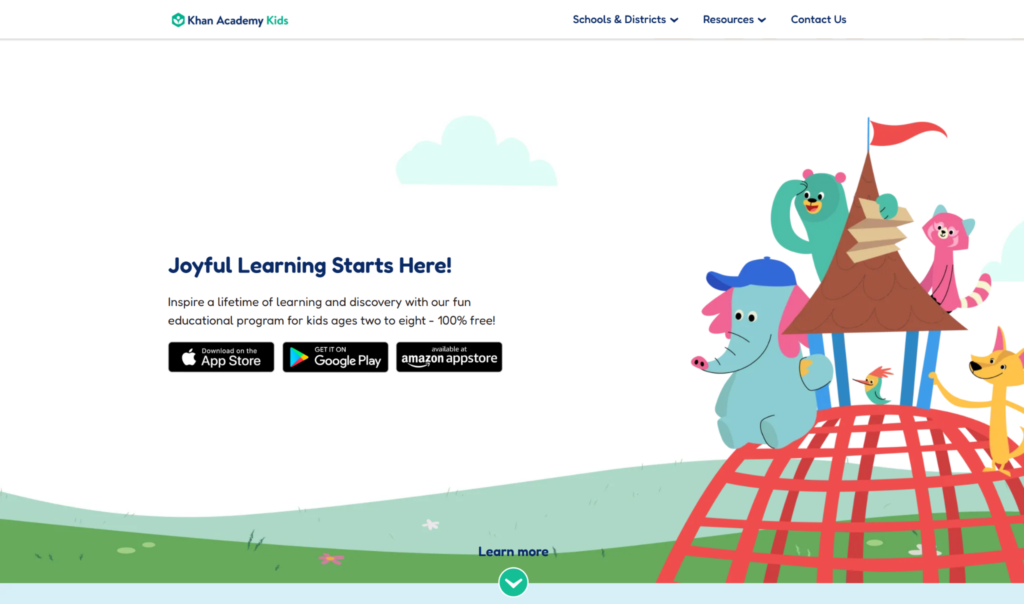
Khan Academy Kids covers early literacy alongside numbers and offers personalized learning paths for ages 2 to 8 that shift as a child works. Khan Academy offers personalized learning resources for all ages; this is the version for young learners.
Its weakness is breadth. It leans on activities rather than instructional videos, and coverage is wide and shallow, so a second grader needing relentless repetition on one operation will drift.
3. SplashLearn: Best Curriculum Coverage for Pre-K to Grade 5
Best for: school aligned practice. Price: free tier, paid plan for full access.
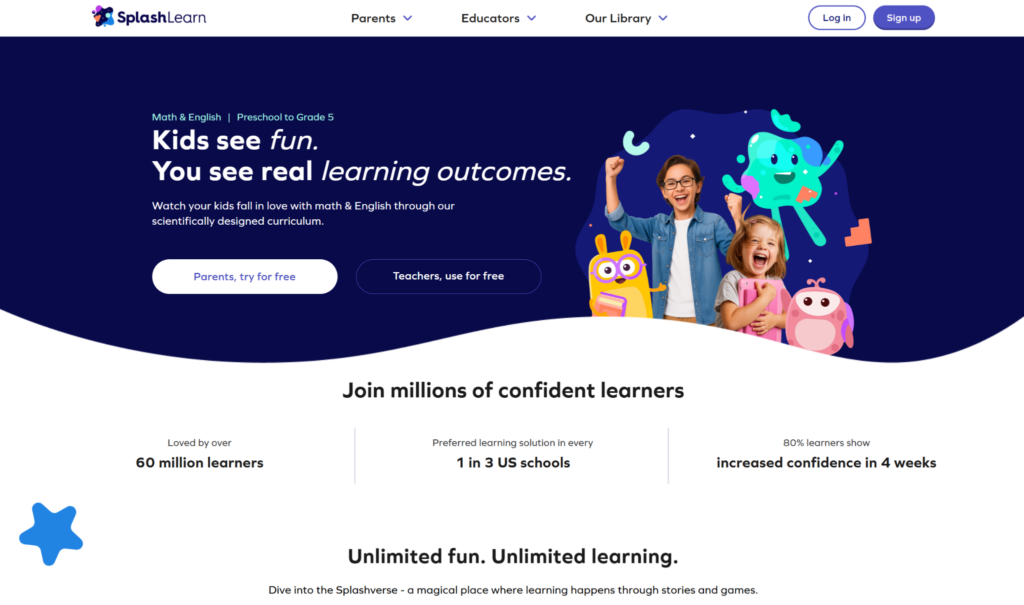
SplashLearn, formerly Splash Math, offers over 4,400 games and worksheets for early learners and is aimed at Pre-K through Grade 5. Sequencing is curriculum aligned to US standards, the easiest option here to match against this week’s classroom topic. Reports are clean and every activity is labelled by grade level.
The old Splash Math name still surfaces in store searches, confusing parents hunting for reviews.
4. Prodigy Math: Best for Kids Who Want a Real Game
Best for: grades 1 to 8. Price: free to play, premium membership starting at $9.95/month.
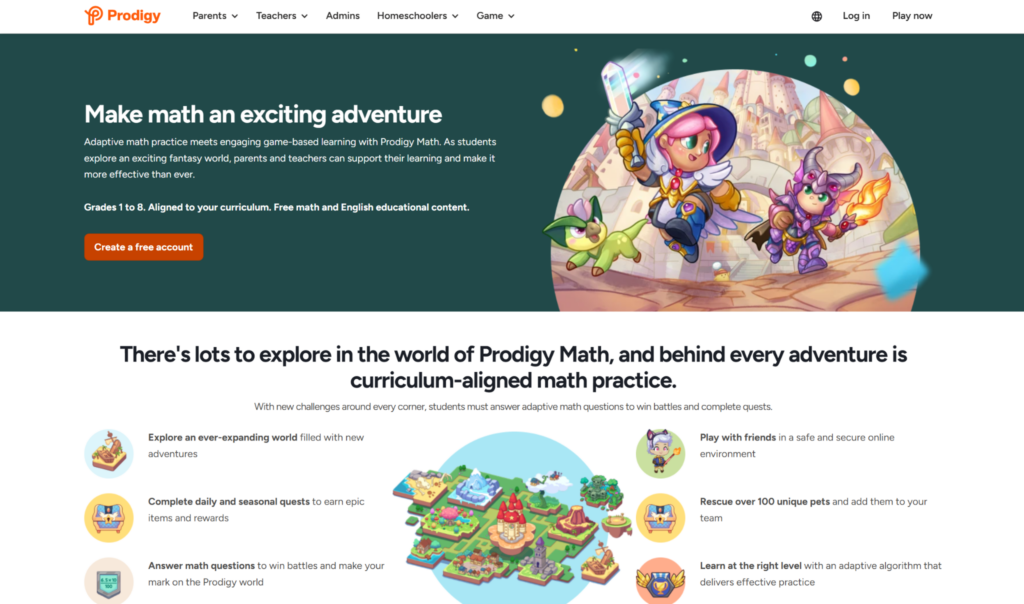
Prodigy Math is a fantasy based math game in full: wizards, duels, collectible pets, a world map. It covers over 1,500 skills from 1st to 8th grade, the widest span here, and stretches past elementary school.
It leans on motivation based learning techniques, which is both the strength and the complaint. Children who chase cosmetics play for hours. Children who do not will notice the math problems standing between them and the loot. Progress shows up in a companion parent connect app as students complete quests.
5. Monster Math 2: Best Balance of Story and Arithmetic
Best for: ages 6 to 12. Price: free tier plus subscription.
Monster Math 2 combines adventure gameplay with arithmetic practice and does it well. Your child runs, jumps and fights, and the sums are the mechanism rather than the interruption. Monster Math also narrows practice to one operation, which matters when a single gap in basic arithmetic needs closing.
Two children can compete on one device. Monster Math is one of the few interactive games here that works better with a sibling in the room.
6. Moose Math: Best First App for Preschoolers
Best for: ages 3 to 6. Price: free.
Moose Math engages preschoolers with colorful mini-games set in a town the child builds by playing. Counting, sorting, addition, subtraction and shapes, wrapped in juice smoothies and moose. There is a parent report card mapped to Common Core.
Moose Math is short. Most children exhaust its math activities in a few weeks, fair enough for free.
7. Marble Math Junior: Best for Hands and Eyes
Best for: ages 5 to 8. Price: paid, single purchase.
Marble Math Junior rolls a marble through a maze, collecting the numbers that answer the question on screen. Tilt control puts the body in play instead of one tapping finger, and route planning trains logical thinking alongside counting.
Confirm the age range in the store before buying: listings and reviews disagree on where Marble Math Junior ends and the full version begins.
8. DragonBox: Best for Concepts, Not Repetition
Best for: ages 5 and up. Price: paid, per title.
DragonBox teaches algebra and geometry through puzzles and is the strangest app here in the best way. A five year old solves what is functionally basic algebra without meeting an equals sign, because the rules arrive as a game before the notation does. It builds conceptual understanding and creative problem solving rather than speed.
Do not expect fluency from it. DragonBox plants mathematical concepts and hands your child back.
9. Math Learning Center Apps: Best Free Virtual Manipulatives
Best for: ages 5 to 11, with an adult alongside. Price: free.
The Math Learning Center publishes free tools like Number Frames, Number Pieces and Number Line that put visual models on screen. These are not games. They are digital versions of the blocks and rods a good teacher reaches for when explaining regrouping.
If your child can run the procedure but cannot say why, Math Learning Center tools are the fastest route to making the idea visible. They need someone teaching math beside the tablet, the opposite of everything else here.
10. Elephant Learning: Best for Diagnosed Gaps
Best for: ages 2 to 12. Price: around $35/month.
Elephant Learning assesses which math concepts are missing, places the child, then works upward from there. The company claims children learn a year’s math in three months, a vendor figure rather than an independent result, worth treating as marketing until you see progress improvement in your own child.
Elephant Learning is the priciest option here by a distance. It fits one case: a child visibly behind who needs personalized instruction, not more practice exercises at the wrong level.
11. IXL Math: Best for the Long Haul
Best for: pre-K to 12th grade. Price: subscriptions range from $9.95 to $19.95/month.
IXL provides math exercises for students from pre-K to 12th grade and issues personalized skill recommendations based on diagnostics, enabling students to rework the exact sub skill that failed instead of the whole chapter.
It reads as work, because it is work. Some children respond to that clarity; others treat it as homework with a subscription attached. Trial it before committing.
Two More Math Apps Worth Knowing
DoodleMath
DoodleMath tailors math content based on students’ strengths and weaknesses and sets a short daily target instead of an open ended session. Pricing is £7.99/month or £69.99/year, billed in sterling, worth knowing before checkout.
Buzzmath
Buzzmath costs $20/month or $120/year for parents, is built for middle school students, and stretches to high school students. Out of scope for young kids, but the natural next step once elementary students outgrow the list above.
Is a Free Math App Actually Enough?
For most families, yes, at least at the start. Khan Academy Kids and Moose Math give months of use with no card on file, enough to learn whether your child will practise at all.
Paid tiers buy pace, deeper reporting, and no advertising. If your child hits a daily cap and asks for more, that is a good problem worth solving. If the app sits unopened for two weeks, no subscription fixes it.
Do Math Games Actually Teach Math?
Some do. Many children thrive with game based learning for math skills, and the mechanism is simple: game based apps use challenges and rewards to motivate students who would abandon a worksheet in ninety seconds.
The line to watch: is the math the game or the toll? In weak math games a child solves a sum to unlock thirty seconds of unrelated play, and learns to rush. In strong math games the arithmetic is the move itself. Interactive games built that way beat traditional flashcards on repetitions per session.
Fun math games also lower the temperature. A child with math anxiety will attempt inside a story what they would refuse on a page. That is the real argument for math games.
Math Fluency Versus Conceptual Understanding
Two different jobs, and no single app does both well.
Math fluency is speed and accuracy on facts a child should never have to compute. MathHero, Monster Math 2 and IXL build it through volume. Math drills, essentially, wearing a costume.
Understanding is knowing why math concepts work. DragonBox and the virtual manipulatives from Math Learning Center build it through visual models.
A child with one and not the other stalls. Fluency without understanding collapses at word problems; understanding without fluency collapses under time pressure, which is what makes middle school hurt.
Where Math Apps Fit Alongside Real Math Instruction
An app is a rehearsal space. Math instruction happens with a person.
Math apps are excellent at repetition, immediate feedback and self paced learning that runs while you cook dinner. They are poor at diagnosing why one child keeps making one specific error. No app has ever watched a face and worked out that the problem was not division but a misread question.
If your child has practised daily for six weeks and the same errors keep surfacing, that is a signal, not a plateau. An hour with a tutor who watches the working and finds the broken step beats another month of repetitions.
The split is clean: the app handles the reps, the tutor handles the reasoning, school handles the sequence.
How to Choose Among Math Learning Apps
Start with the gap, not the ranking. A seven year old who cannot recall 6 x 7 needs volume; one who can recall it but cannot explain it needs visual models.
Match format to child. Some kids ages 5 and up want a story and will accept any amount of math inside it. Others find heavy fantasy irritating and prefer a clean list of math games to tick off.
Check the grade level honestly. An app pitched above your child’s skill level produces frustration; one pitched below produces boredom. Both end the same way.
Limit yourself to two apps. Children who bounce between six of the best math apps for kids build nothing in any of them.
Frequently Asked Questions About Math Apps for Kids
What is the best math app for a 5 year old?
For a child starting from scratch, MathHero, Khan Academy Kids or Moose Math. For one who already recognises numbers and needs practice on basic math skills, MathHero. Both are free to try, so you learn which child you have before spending anything.
How much should math apps for kids cost?
Between nothing and about $20 a month. Most paid options land near $10 monthly. Elephant Learning at around $35/month is the outlier, better treated as a targeted intervention.
Can an app replace a math tutor?
No. Apps deliver volume on math problems and track student progress. They do not diagnose. Use apps for repetition and a tutor for the broken step, especially once basic math concepts give way to multi step reasoning.
How long should a child use a math app each day?
Ten to fifteen minutes for elementary school students, most days. Longer sessions produce fatigue rather than mastery, and problem solving skills need a rested brain.
Which math topics matter most before middle school?
Addition, subtraction, times tables and division. Every major math topic that follows leans on them, so fluency in those four beats early exposure to fractions.
The Short Version
The best math apps for kids do one thing well and admit what they leave out. MathHero for daily arithmetic reps inside a story. Khan Academy Kids for a free start. SplashLearn for curriculum aligned coverage of school math topics. DragonBox for the ideas underneath.
Pick two. Ten minutes. Every day.
Then let a human handle the rest.