
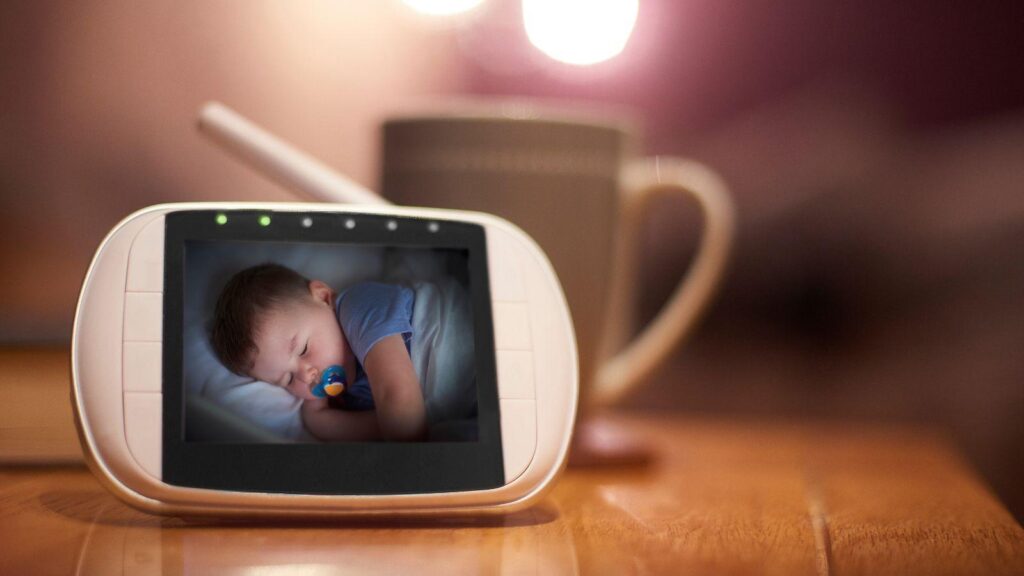
A baby monitor is one of those purchases that can seem simple until you start comparing your options. Suddenly, you’re looking at video quality, night vision, Wi-Fi connectivity, app alerts, battery life and features you may not even be sure you need.
The best approach is to think less about finding the monitor with the longest feature list and more about how you’ll actually use it. A good baby camera monitor should make it easier to check on your baby without constantly walking into the room, while fitting naturally into your home and routine.
Some parents simply want to see whether their baby is asleep. Others want alerts when there’s movement or sound, the ability to check in while away from home, or a monitor that can eventually cover more than one room. Knowing what matters to you makes comparing your options much easier.
Start With the Type of Monitor
One of the first decisions is whether you want a Wi-Fi or non-Wi-Fi monitor.
A non-Wi-Fi model usually comes with its own parent unit or screen. Because the camera communicates directly with this device, you don’t need to use your phone whenever you want to check the nursery.
Wi-Fi monitors connect to your home network and generally allow you to view the camera through an app. This can be convenient if you want to check the feed from different rooms or when you’re away from home.
Neither option is automatically better. Consider where you’ll use the monitor and whether you prefer a dedicated screen or the convenience of your phone.
Look Beyond the Headline Video Resolution
Sharp video is useful, but resolution isn’t the only thing that determines whether you’ll get a clear picture.
Think about how the camera performs in the conditions in which you’ll actually use it. Babies spend plenty of time sleeping in dark or dim rooms, so good night vision can be just as important as daytime image quality.
The camera’s field of view also matters. A wider view may give you a better look at the cot and surrounding area, while pan, tilt or zoom functions can provide more flexibility.
Before buying, consider where the camera will be positioned. A fantastic camera won’t be particularly useful if the available mounting position leaves half the cot outside the frame.
Decide Which Alerts You Actually Need
Modern monitors can do much more than transmit video and sound. Depending on the model, you may find features such as:
- Sound or crying notifications
- Movement alerts
- Temperature monitoring
- Two-way audio
- Sleep tracking
- Customisable notification settings
These can be genuinely useful, but more notifications aren’t necessarily better. Too many unnecessary alerts can quickly become annoying, particularly when you’re trying to sleep yourself.
Look for a monitor that lets you control which notifications you receive and how sensitive they are. The goal is useful information, not an alert every time your baby rolls over.
Consider What Happens at 2am
Features often sound impressive on a product page. A better test is imagining how easy they’ll be to use when you’re tired, it’s dark and your baby has just started crying.
Can you quickly see what’s happening? Is the app straightforward? Can you adjust the volume or brightness without searching through several menus? If there’s a separate parent unit, is its battery likely to last through the night?
Small usability details can make a surprisingly big difference when you’re using a monitor every day.
Check Connectivity and Security
If you choose a Wi-Fi monitor, take some time to understand its security features.
Look for reputable manufacturers that provide clear information about data security, account protection and software updates. Use a strong, unique password for your account and enable multi-factor authentication if it’s available.
You should also consider what happens if your internet connection drops out. Some monitors may lose remote viewing capabilities, while others offer alternative local functionality. Knowing this before you buy can prevent an unpleasant surprise later.
Think About How Your Needs May Change
Your baby won’t stay in a cot forever, so it’s worth considering whether the monitor can adapt as they grow.
For example, you might eventually want a wider view of a toddler’s bedroom rather than a close-up of a sleeping baby. Families planning to have more children may also appreciate systems that support additional cameras.
This doesn’t mean you need to buy every possible feature now. It simply means thinking a little beyond the newborn stage can help you choose something you’ll use for longer.
Don’t Let Extra Features Make the Decision for You
It’s easy to assume that the most expensive monitor must be the best. In reality, the right choice depends on which features make life easier for your household.
Before comparing models, make a short list of your essentials. You might decide that excellent night vision, reliable alerts and a simple app are non-negotiable, while sleep analytics and other extras aren’t particularly important.
Once you know your priorities, shopping becomes far simpler. Instead of comparing dozens of specifications, you’re looking for a monitor that does the few things you genuinely care about well. That’s ultimately what makes a baby monitor worth having: it gives you an easy, reliable way to check in when you need to, without adding another complication to an already busy routine.